How to pay for ChatGPT Plus with an IMBA Wallet card
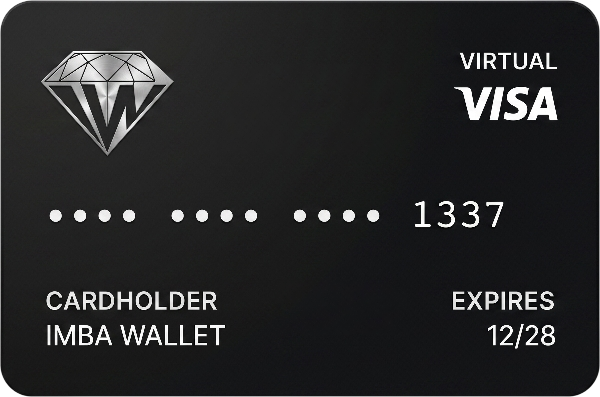
To pay for ChatGPT Plus with an IMBA Wallet card, align VPN (IP = account country), ChatGPT account region, card billing address, and USD currency. OpenAI declines payments when any parameter mismatches; below is a step-by-step guide to lower decline risk.
The main rule
One country — across all parameters, currency — $ (USD)
IP (VPN), ChatGPT account, profile, card billing — the address set when you open the card or in your IMBA Wallet profile — and USD must all point to the same country.
Apple ID and Google trap
If your Google/Apple account country is RU — payment will most likely fail.
VPN and IP address
ChatGPT monitors IP at sign-in and payment. Set up VPN before your first attempt.
Check before payment:
| IP / VPN | Russia | ✕ |
| ChatGPT | Hong Kong | ✓ |
| Card | Hong Kong | ✓ |
Important: IP, ChatGPT account, and card billing address (at issuance or in your IMBA profile) — one country. Otherwise — decline and risk of a permanent subscription block.
Bad vs good
| Doesn't work | Works more often | |
|---|---|---|
| IP / VPN | Russia | Hong Kong |
| Apple / Google | Apple RU | |
| ChatGPT | Singapore | Hong Kong |
| Card billing | Netherlands | Hong Kong |
| Currency | Turkey | USD |
| ✕ different countries | ✓ one country everywhere, $ (USD) |
Hong Kong in the examples above is just an illustration, not a requirement. The US and other countries work too. What matters is that IP, ChatGPT account data, billing address, and profile all point to the same country.
If payment failed
Pay with an IMBA Wallet card
Open an IMBA Wallet card and start using your favorite services again!
For foreign subscriptions we recommend IMBA Black.
FAQ
Common questions
Why doesn't ChatGPT accept my card?
Most often IP (VPN), account country, card billing, and currency don't match. Signing in with Apple ID or Google using a Russian region is a common cause.
Do I need a VPN to pay for ChatGPT?
Yes. Your IP must match the account and card country. Otherwise there's a high risk of decline and a permanent subscription block.
Can payment success be guaranteed?
No. OpenAI and the payment network make the decision. Aligning parameters lowers risk but does not guarantee 100% success.
Which IMBA Wallet card should I choose?
Any available card will work. For ChatGPT we recommend Black — but that's not a guarantee of success.